
- November 15, 2026
- admin
- Apple TVFire StickHardwareStreaming Devices
Amazon Fire Stick vs Apple TV for UK IPTV Apps: Which Hardware Wins?
Choosing the Right Hardware for Your Living Room
Running UK IPTV apps on the wrong hardware leads to endless frustration. Streams stutter, menus freeze, and simple channel changes take ages. Two devices dominate British living rooms right now. Amazon’s affordable Fire Stick fights for space against Apple’s premium Apple TV box. Both run popular player applications well, but they handle daily viewing tasks very differently.
Hardware choice dictates everything from channel navigation speed to how crisp live football matches look on your 4K TV. Performance gaps matter when you rely on smooth playback every evening. Let’s look at how these two popular options stack up against each other.
Processing Power and Daily Performance
Amazon packs decent specs into its higher-end sticks, but basic models often feel sluggish. When you load large playlists with thousands of channels and detailed catch-up schedules, weak processors struggle. Menus lag behind your button presses. Loading times stretch out.
Apple TV runs on powerful mobile chips. Everything happens instantly. Scrolling through an extensive channel list feels completely fluid. You won’t wait for thumbnails to load or catch-up guides to populate. If speed matters most to your setup, Apple wins this round easily.
Video Decoding and Format Support
British broadcasts rely on specific codecs like H.264 and HEVC. Both streaming devices handle these common formats without breaking a sweat. High-bitrate feeds need robust hardware decoding to prevent frame drops during fast-moving sports.
Apple TV shines with audio passthrough and high dynamic range handling. It supports Dolby Vision and advanced surround sound formats effortlessly. Fire TV devices handle standard HDR well, but cheaper variants sometimes stumble on complex audio codecs used by certain broadcast feeds. If you care about pristine picture quality, check out how to choose an IPTV subscription provider in the UK to make sure your provider matches your hardware’s capabilities.
Remote Controls and Everyday Usability
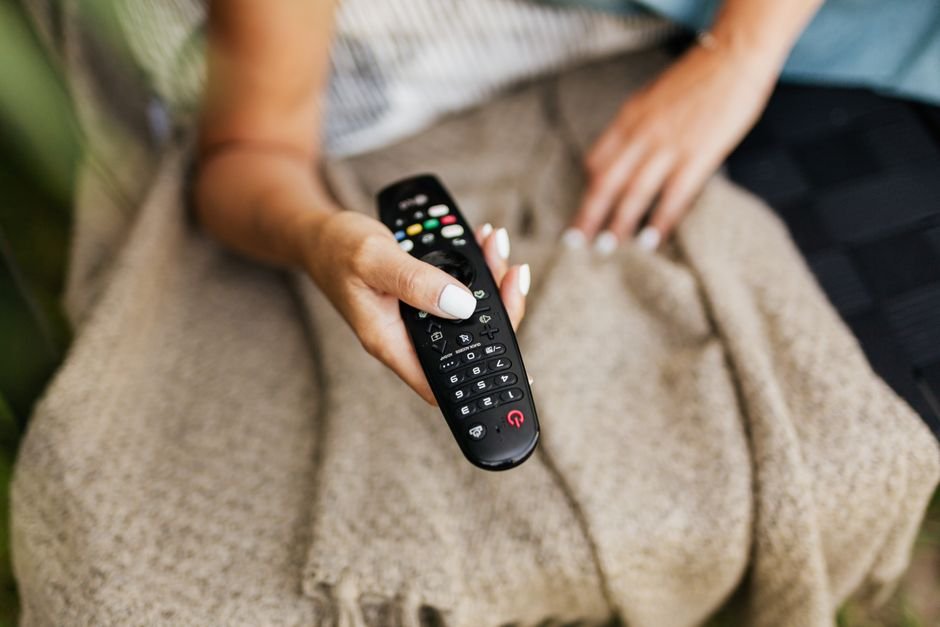
Remote design makes or breaks a streaming setup. The standard Fire remote is small, plastic, and packed with sponsored shortcut buttons you’ll rarely touch. Voice search via Alexa works reasonably well for finding content inside native apps.
Apple’s metal remote features a touch-sensitive clickpad. It feels substantial in the hand. Navigation takes a little practice if you’re used to traditional buttons. Swipe gestures let you zip through long menus in seconds. Neither remote is perfect, but Apple’s build quality feels several levels higher.
App Availability and Sideloading Freedom
Amazon’s operating system is based on Android. Sideloading custom player applications is straightforward. You don’t need advanced technical skills to get your preferred media player running on a Fire Stick.
tvOS is much more restrictive. Apple maintains strict control over its app store. You must rely on officially approved players found directly in the storefront. While major media players have official iOS and tvOS versions, niche players might be missing entirely.
Making the Final Decision
Apple TV delivers unmatched speed, superior build quality, and rock-solid reliability. It costs considerably more money upfront. Fire Stick offers incredible value and flexible app installation for a fraction of the price. If you want a quick, budget-friendly setup and don’t mind occasional menu stutter, grab the Amazon device. If you demand instant loading times and premium build quality, spend the extra cash on Apple.
For more information, visit our website.
Related reading
- Wired Ethernet vs Wi-Fi for UK IPTV Streaming: Which Wins?
- Understanding IPTV Bitrate and Resolution Standards for UK Viewers
Update: How to Schedule Recordings on UK IPTV Apps Without Missing Your Favourite Shows
Update: How to Measure Your UK Home Broadband Speed for IPTV