
- October 20, 2026
- admin
- broadbandIPTV UKStreaming TipsTech Guides
7 IPTV UK Setup Mistakes That Ruin Live Match Days
- 1. Relying on Wi-Fi Instead of Ethernet for IPTV UK Setup Mistakes
- 2. Sticking With Default ISP DNS Servers
- 3. Ignoring Background App Bloat on Streaming Sticks
- 4. Misconfiguring Buffer Sizes in App Settings
- 5. Failing to Protect Streams From ISP Traffic Shaping
- 6. Forgetting to Sync Time Zones for the EPG
- 7. Overloading Multiple Screens on a Single Line
Picture the scene. It is Saturday afternoon. You sit down with a brew. Your team attacks the box. Then the screen freezes. Total silence. Many fans make basic IPTV UK setup mistakes that turn a thrilling derby into a pixelated mess. You do not need expensive hardware upgrades to fix these problems. You just need to change how your home network handles your streams.
1. Relying on Wi-Fi Instead of Ethernet for IPTV UK Setup Mistakes
Wi-Fi feels convenient. Routers sit in the hallway. Your telly sits in the front room. Thick walls and wireless interference destroy live video packets. Live sports demand a steady, unbroken data stream. Wi-Fi drops packets constantly. You lose frames without noticing until the picture stutters.
Plug an ethernet cable straight into your streaming box. If running a long cable across the house is impossible, look into powerline adapters. These nifty gadgets turn your home electrical wiring into a wired network. Your connection speeds jump instantly. Ping drops. Jitter disappears. Never trust wireless signals for live high-definition football.
2. Sticking With Default ISP DNS Servers
Your internet provider assigns default Domain Name System servers automatically. These servers often crawl slowly. When your streaming app tries to resolve server addresses for live feeds, sluggish DNS lookups cause annoying buffering wheels. Switching to a fast public DNS provider speeds up connection handshakes.
Change your router settings to use alternative DNS resolvers. Cloudflare or Google options work wonders for UK broadband users. This simple tweak shaves precious milliseconds off every stream request. Your channel changes happen faster. Streams load almost instantly when you click them.
3. Ignoring Background App Bloat on Streaming Sticks
Smart sticks have tiny internal storage drives. Streaming apps generate cache data rapidly. If you leave ten different apps running in the background, your device runs out of RAM. The operating system starts choking. Your live stream stutters because the CPU fights for resources.
Force-close unused apps before every big match. Clear your cache files every single week. A clean device runs cooler and faster. If your hardware lacks memory, consider moving to a more capable box. Performance issues often stem from sheer laziness with device maintenance.
4. Misconfiguring Buffer Sizes in App Settings
Most popular player apps let you tweak buffer lengths. Leaving these on default settings causes endless headaches. If your buffer is too short, minor network hiccups cause instant freezes. If your buffer is too long, you lag behind live broadcast television by a minute or more.
Find the advanced playback settings in your chosen player. Set your buffer size to medium or large depending on your connection stability. Do not max it out blindly. Balance responsiveness with stability so your goals do not get spoiled by neighbours shouting down the street.
5. Failing to Protect Streams From ISP Traffic Shaping
UK broadband providers watch high-bandwidth protocols closely. During peak evening kickoff times, some ISPs throttle streaming traffic deliberately. You experience sudden drops in resolution right when the match gets good. This is one of the most frustrating IPTV UK setup mistakes you can make without realizing it.
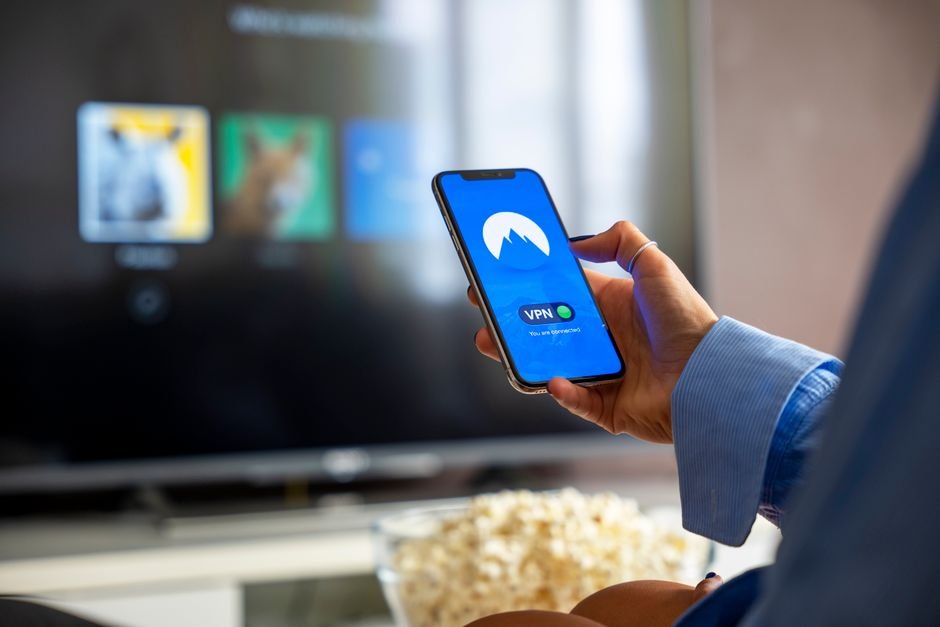
Check your router for quality-of-service settings. Prioritise your streaming device over other gadgets on the network. Sometimes, using a reputable VPN stops your ISP from snooping on your traffic packets. For a deeper dive into network quirks, read through these common IPTV network errors on UK broadband to spot warning signs early.
6. Forgetting to Sync Time Zones for the EPG
Electronic program guides rely on accurate clock settings. If your device time drifts by even a few minutes, your TV guide displays incorrect schedules. Shows appear to start later than they actually do. You miss the buildup because your clock is out of sync with the broadcast server.
Set your device time zone manually. Do not trust automatic network time zone detection if your VPN shifts your apparent location. Lock your local UK time to GMT or BST permanently. Your TV guide populates correctly. Recordings trigger right on time without fail.
7. Overloading Multiple Screens on a Single Line
Sharing your login details across five different rooms destroys streaming quality. Home broadband connections have finite download capacities. Three people streaming HD matches simultaneously saturate your local bandwidth. Every screen suffers from terrible pixelation and lag.
Limit active streams to what your broadband package realistically handles. A standard fibre connection copes with one or two heavy streams. Anything beyond that requires serious bandwidth management. Respect your network limits. Enjoy smooth matches instead of fighting over bandwidth.
For more information, visit our website.
Related reading
- How to Measure IPTV Latency in the UK: Testing Ping and Packet Loss for Live Sports
- Hardware IPTV Players vs Smart TV Apps: Which One Wins for UK Viewers?
Update: 5 Things to Know About IPv6 for IPTV UK Streaming
Update: How to Backup IPTV Channels